AI Inquisitive Parents

You do not need to be technical to make something useful with AI.

This is a collection of real family projects made by a working parent: tools for learning, music, creativity, practice and everyday moments. Try one, borrow an idea or use them as proof that a small personal project is a perfectly good place to begin.

Projects, not prescriptions

15 daily app ideas and more starting points

These are offered as suggestions and inspiration rather than products every family needs. Some are finished tools and some are working experiments. Each one began with a real interest or practical problem, then used AI to help turn the idea into something usable.

A new build each day

Daily family web-app ideas

Each idea includes a working browser app. New projects appear here when the Daily Brief is published.

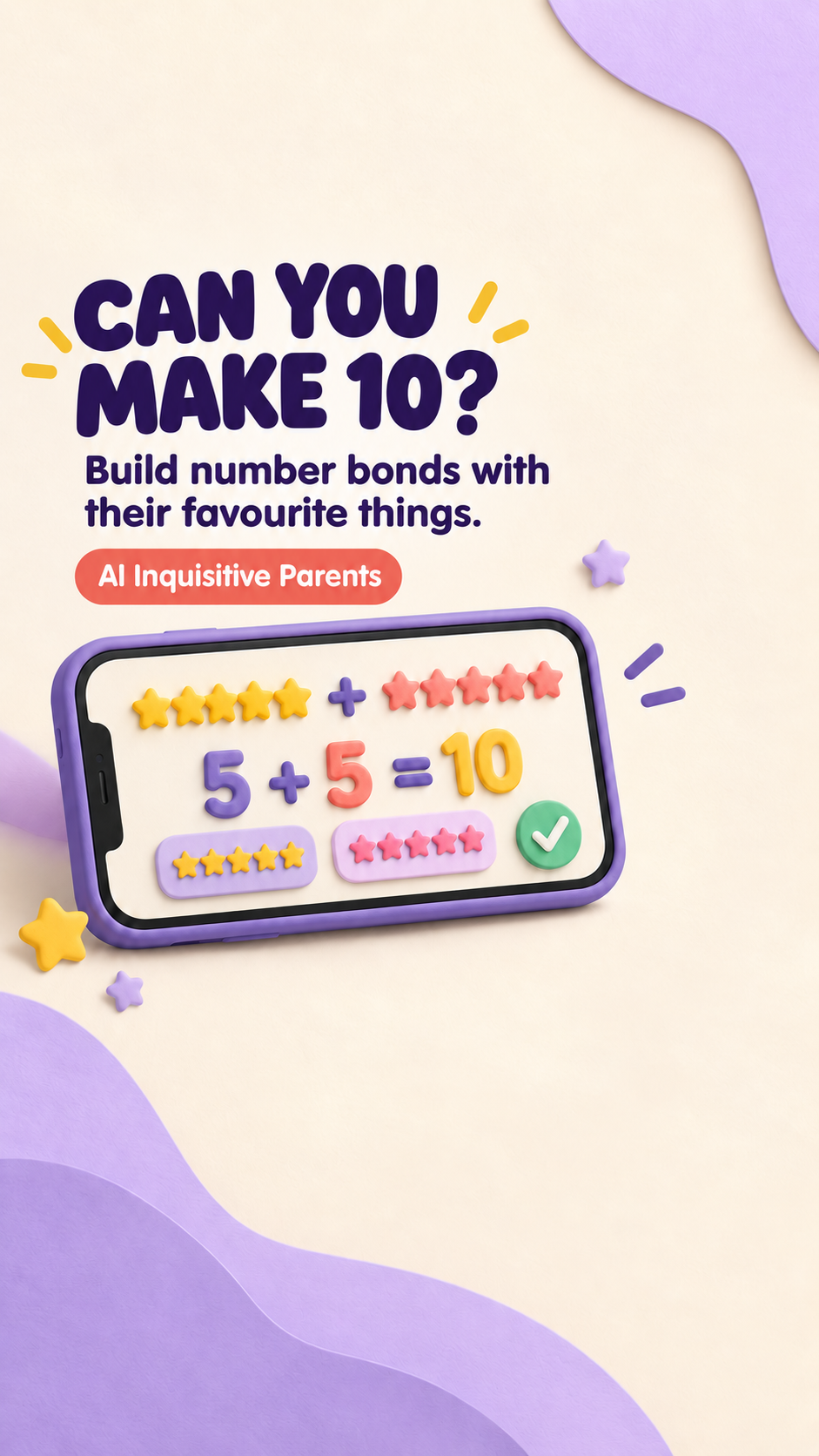
Make-Your-Own Memory Match project poster

Personalised learning games · Day 015 · Latest

Make-Your-Own Memory Match

Turn a child's favourite things or current learning into a personalised card-matching game with a custom deck, move counter and best score.

  • Runs entirely in the browser; custom pairs and the best score stay in local browser storage.
  • A grown-up chooses suitable words and pictures and decides how the game is used.
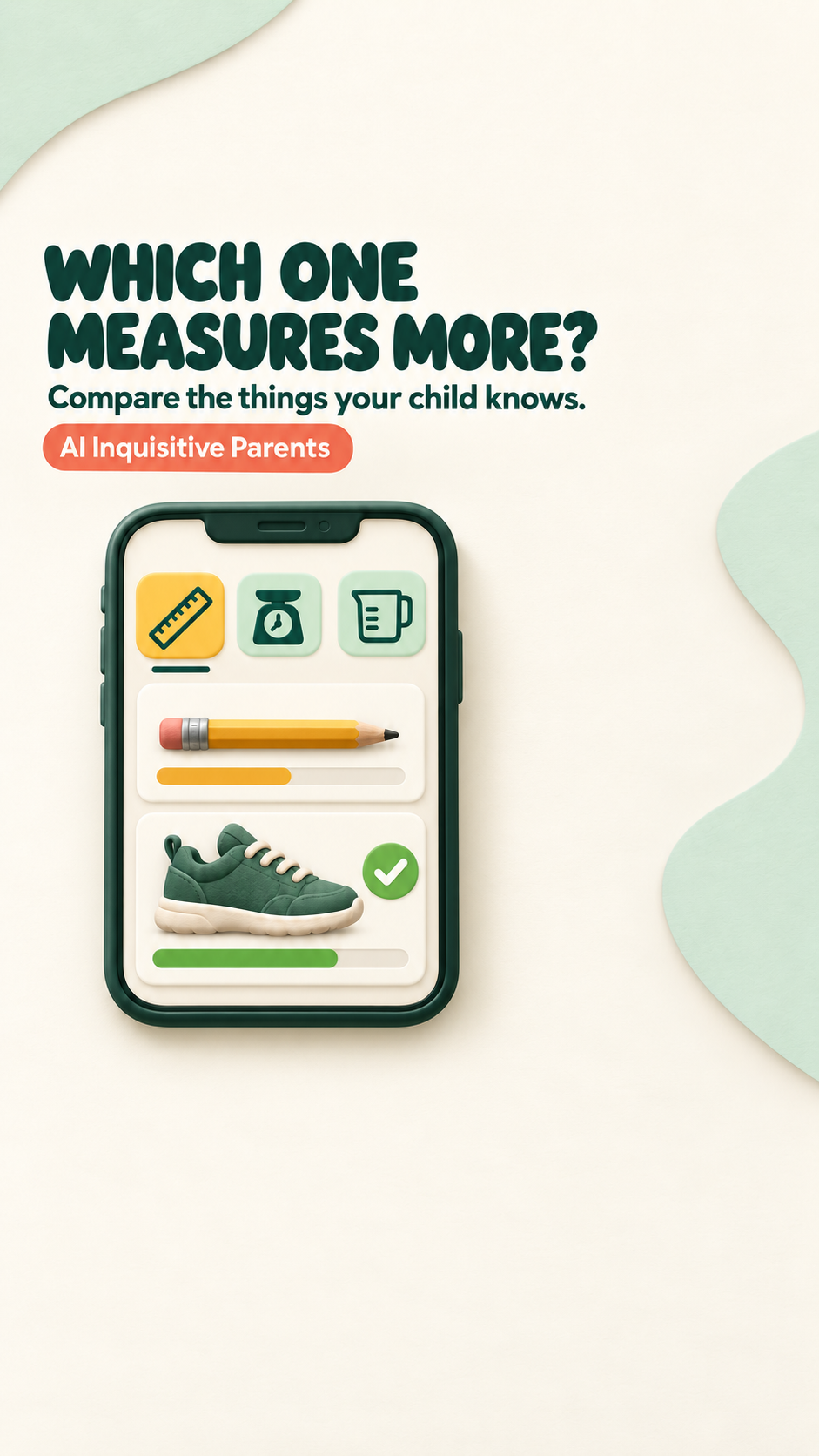
My Pocket Shop project poster

Personalised learning games · Day 014

My Pocket Shop

Create a personalised pretend shop and practise selecting products, calculating basket totals and paying the exact amount with UK coins.

  • Runs entirely in the browser; custom products, settings and scores stay in local browser storage.
  • A grown-up chooses suitable products and prices and supports money practice at the child's level.
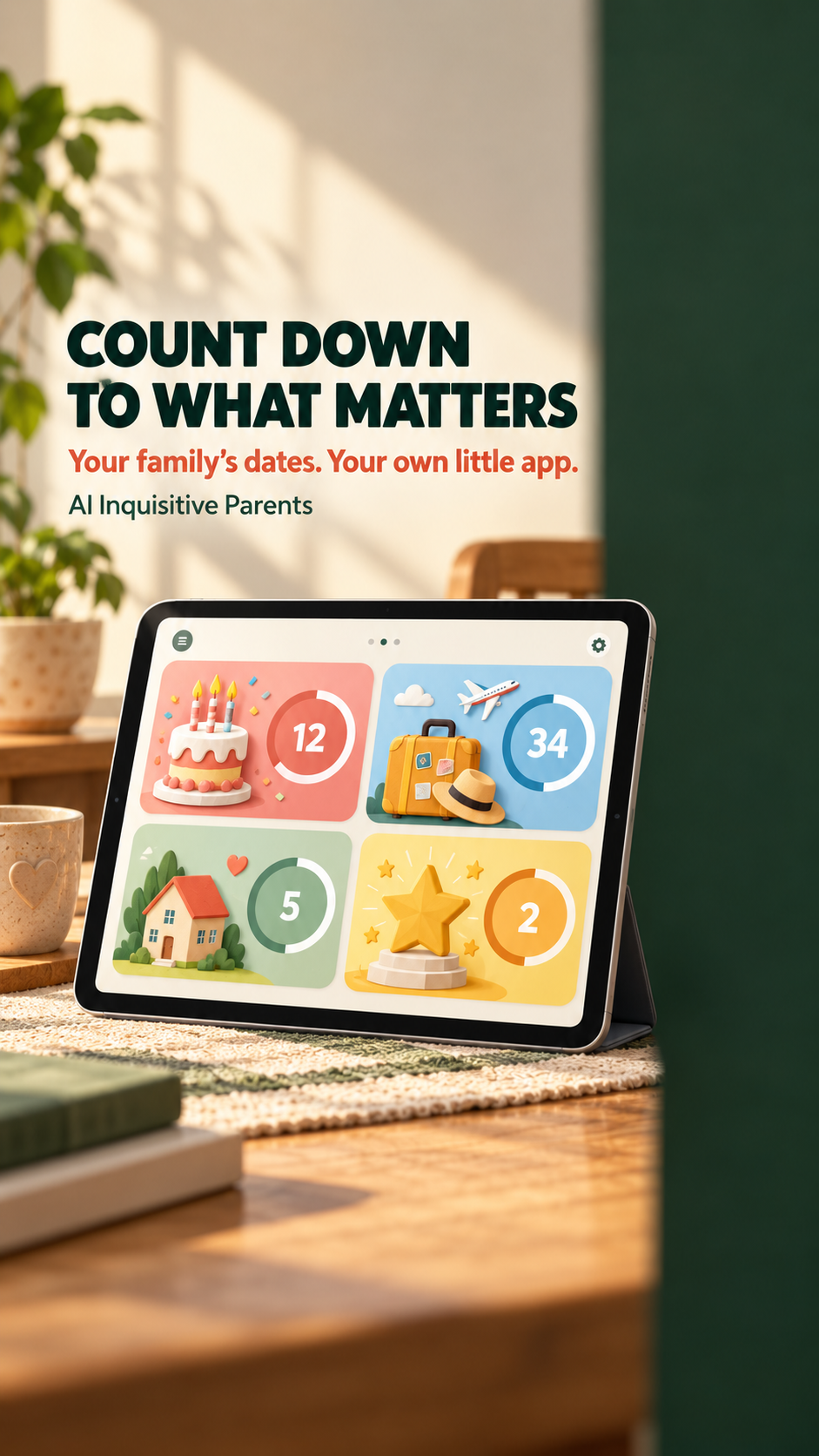
Use-It-Soon Food Tracker project poster

Practical family tools · Day 013

Use-It-Soon Food Tracker

Track food already at home, automatically prioritise what needs using first and reduce avoidable waste with a private family list.

  • Runs entirely in the browser; food names, dates, quantities and storage locations stay in local browser storage.
  • A grown-up checks all labels and remains responsible for storage, allergies and food-safety decisions.
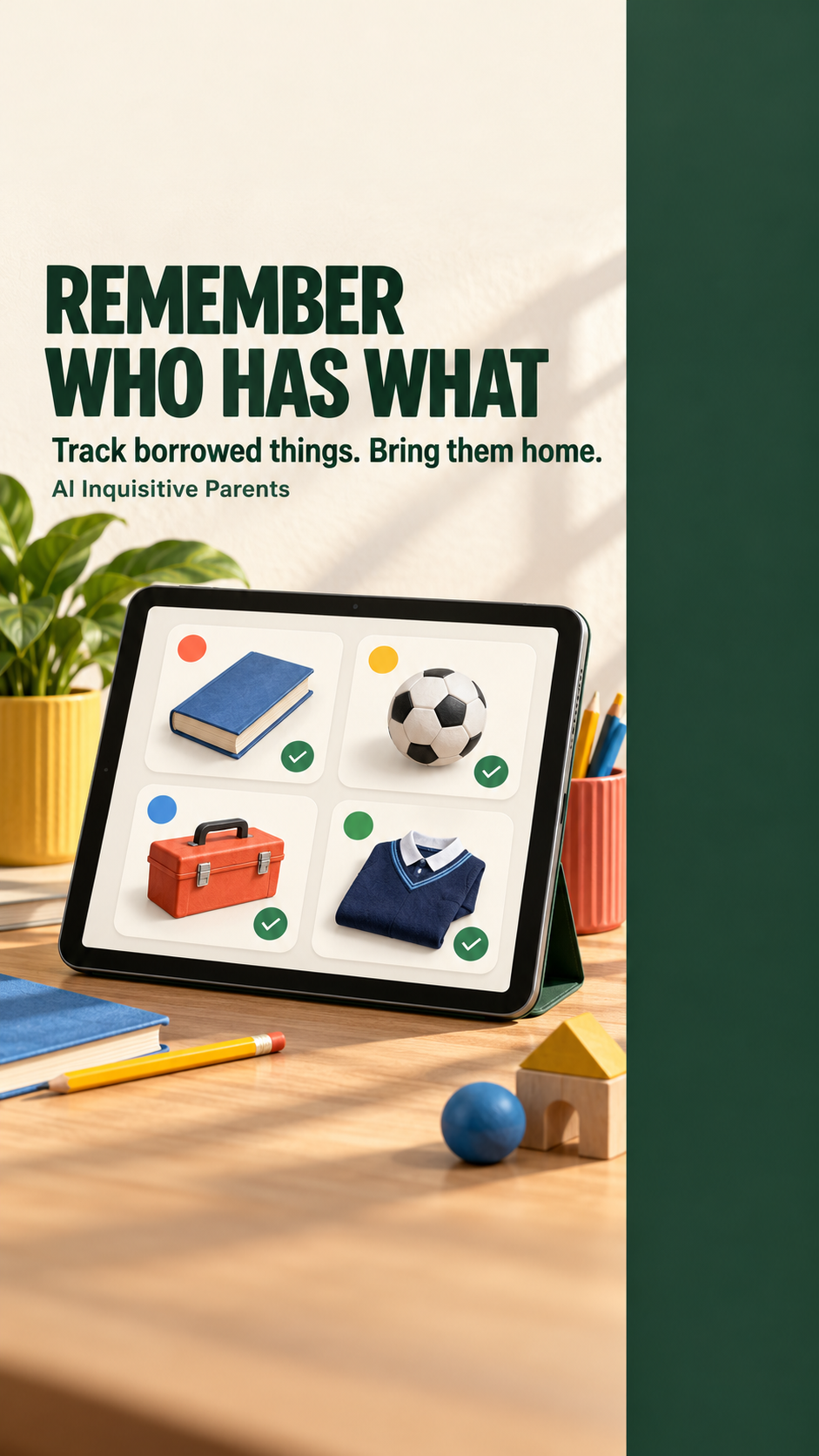
My Routine Builder project poster

Practical family tools · Day 012

My Routine Builder

Create child-specific morning, bedtime or after-school routines, run each sequence with optional timers and keep a private completion history.

  • Runs entirely in the browser; routine names, steps and completion history stay in local browser storage.
  • A grown-up creates and checks each routine, chooses suitable timings and remains responsible for the child.

Practical family tools · Day 011

My Family Soundboard

Create large personalised buttons for useful words and phrases, then tap one to hear it spoken in a chosen English browser voice.

  • Runs entirely in the browser; custom buttons, phrases and voice choice stay in local browser storage.
  • A grown-up creates and checks every phrase and chooses how the soundboard is used.

Practical family tools · Day 010

Fair Turn Timer

Create a fair, reusable turn order for shared screens, games or activities, with custom players, timings, changeovers and a local history.

  • Runs entirely in the browser; player names, settings and turn history stay in local browser storage.
  • A grown-up chooses suitable turn lengths and remains responsible for screen-time and activity decisions.

Personalised learning games · Day 009

Make-It-Your-Own Quiz

Build a private multiple-choice quiz around a child's current interests or learning, then shuffle, play, score and replay it.

  • Runs entirely in the browser; custom questions and answers stay in local browser storage.
  • A grown-up creates or checks every question and answer for accuracy and suitability.

Practical family tools · Day 008

Family Job Board

Create paid family jobs, let children mark them finished and keep reward approval and pocket-money totals under grown-up control.

  • Runs entirely in the browser; names, jobs, approvals and balances stay in local browser storage.
  • A grown-up agrees rewards, checks completed jobs, approves earnings and handles any real payment.

Practical family tools · Day 007

Ready-to-Go Bag Checker

Create reusable, personalised packing lists for school, nursery, swimming or days out, then tick, reset and reuse them.

  • Runs entirely in the browser; bag names, items and packing status stay in local browser storage.
  • A grown-up creates and checks each list, including any medication or safety-critical items.

Personalised learning games · Day 006

My Words Spelling Game

Turn the words a child is learning now into a private listen-and-type spelling game with a choice of English browser voices.

  • Runs entirely in the browser; the word list, selected voice and score stay in local browser storage.
  • A grown-up chooses suitable words and checks that the selected browser voice pronounces them clearly.

Practical family tools · Day 005

Family Meal Picker

Add the meals your family actually eats, collect everyone's votes and choose fairly from the highest-rated available options.

  • Runs entirely in the browser; names, meals and votes stay in local browser storage.
  • A grown-up must check allergies, dietary needs, ingredients and suitability.

Practical family tools · Day 004

Make-It-Yours Planner

Choose, rename and print the sections you actually need in a private planner built around real family life.

  • Runs entirely in the browser; planner choices and writing stay on the device.
  • Designed for adults to tailor around their own household; it does not prescribe diets, targets or routines for children.

Family fun · Day 003

Family Adventure Dice

Roll a place, a mission and a playful twist to turn an ordinary half-hour into a tiny family adventure.

  • Runs entirely in the browser; choices are not uploaded or saved.
  • Designed for families to adapt and enjoy together; grown-ups choose what suits their home and children.

Family creativity · Day 002

Silly Story Spinner

Mix a character, a place and a surprise to create a family story prompt, then take turns adding the next line.

  • Runs entirely in the browser; choices are not uploaded or saved.
  • Designed for families to create and tell stories together.

Family fun · Day 001

Rainy-Day Scavenger Hunt

Create a printable or screen-friendly clue trail for a rainy day at home.

  • Runs entirely in the browser; no answers are uploaded.
  • Designed for a grown-up to prepare and supervise.
Try, adapt, imagine

Explore the family projects

External projects open in a new tab, so you can return here for another idea.

Music learning

Hen & Bea’s Music House

A story-led Grade 1 music journey with clear companion guidance for grown-ups who may not know music theory themselves.

The spark: Make learning music feel like an illustrated adventure shared by children and adults.

  • Made for children and grown-ups
  • No previous music knowledge required
  • Story and practical activities
Visit the Music House ↗
Create together

Free Colouring Studio

A touch-friendly colouring space with 50 pages, large controls and simple grown-up tools for saving and printing.

The spark: Turn a collection of pictures into an activity children can use on the device already nearby.

  • Free to use
  • Big controls for small hands
  • Save and print options
Open Colouring Studio ↗
Play and solve

Henry’s Electric Loop

A compact path-rotation puzzle: tap the pieces until the energy route connects.

The spark: A child’s interest can become the theme for a simple game made specifically for them.

  • One-tap interaction
  • No instructions to study
  • Small experimental game
Try Electric Loop ↗
Practise a hobby

TempoTune Practice

A metronome, chromatic tuner and rhythm builder combined into one focused music-practice tool.

The spark: Build the exact practice setup you want instead of juggling several unrelated apps.

  • Local-first
  • No analytics included
  • Works as a static web app
Open TempoTune ↗
Everyday family help

Settling Rhythm

A simple aid that repeats a familiar tapping or shushing rhythm quietly, with optional gradual fade-out.

The spark: Preserve a small thing that already seems to help, without claiming to solve sleep or health problems.

  • Recordings stay in the browser
  • Built-in sound-safety guidance
  • Not a medical treatment
Open Settling Rhythm ↗
Build the resource

LilyPond Snippet Studio

A behind-the-scenes tool for styling, previewing and exporting music snippets for children’s learning resources.

The spark: AI can help make the production tool as well as the finished family activity.

  • Live visual preview
  • Reusable design settings
  • Specialist working experiment
See Snippet Studio ↗

Keep the grown-up in the loop

Curiosity works better with a few clear boundaries.

Protect private information

Do not give an AI service names, school details, health information, photographs or other personal material unless you understand where it goes and why it is needed.

Check what it produces

AI can create convincing mistakes. A grown-up should review factual, educational or safety-related output before a child relies on it.

Use tools together

Choose services appropriate to the child’s age and stay involved. A purpose-built family tool does not remove parental judgement.

Your turn

What could you make for your family?

Begin with one small idea. Ask AI to help you describe the problem, sketch the simplest useful version and explain anything you do not understand. Keep checking the result as you go.